
Cutting a person or product out of a photo used to mean careful work in Photoshop. Now an AI model can find the subject and remove the background in seconds. Most online removers upload your photo to their servers, though, and many charge for full-resolution downloads. You can do it free, at full size, without the photo ever leaving your device.
What you can use it for
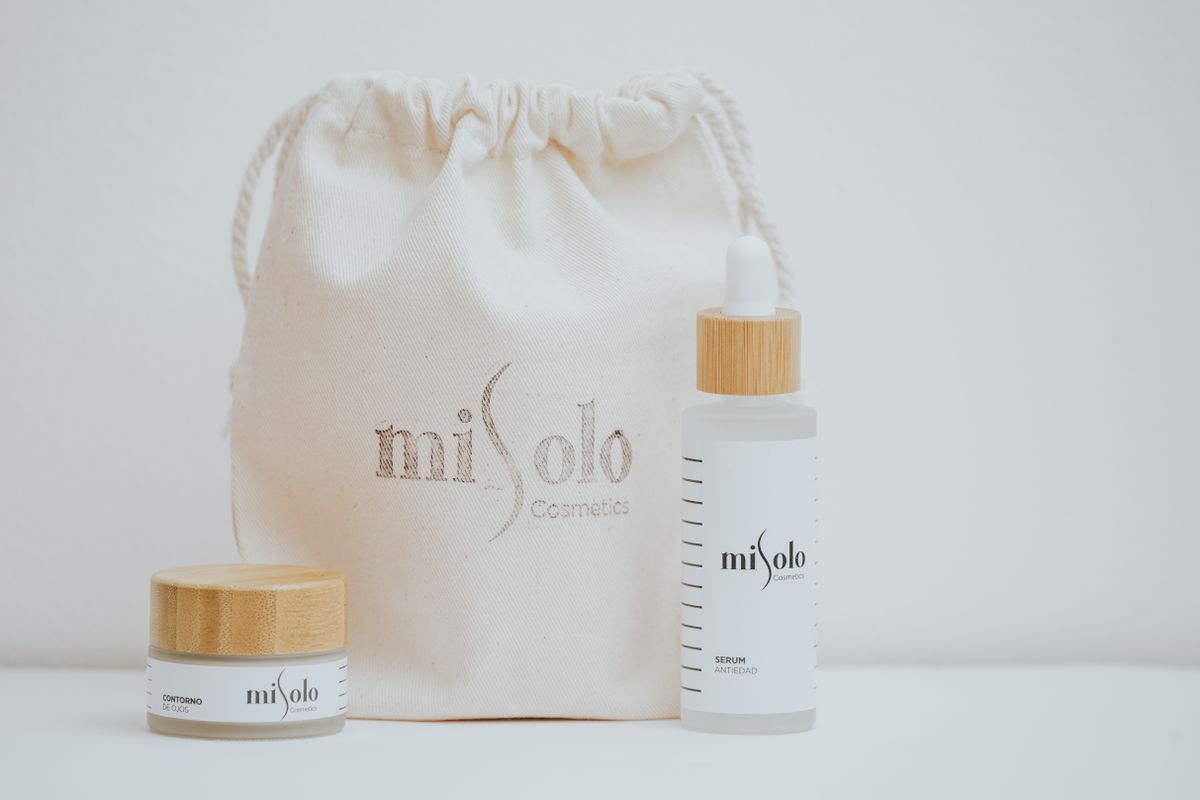
- Product photos on a clean white background for marketplaces and online shops.
- Profile pictures and team photos on a consistent colour.
- ID-style photos on a plain white background.
- Transparent PNGs for slides, posters, stickers and design mock-ups.
How to remove a background
- Open Remove Background.
- Choose a photo (JPG, PNG or WebP, up to 30 MB), drag it onto the box, or paste it with Ctrl+V.
- Wait a few seconds while the AI finds the subject. The first time, your browser downloads the model once (about 86 MB); after that it's cached and starts quickly.
- Drag the slider to compare the result with the original and check the edges.
- Keep the background transparent, or choose white, any colour, or your own background photo.
- Download a PNG to keep transparency, or a JPG for solid backgrounds.
The result keeps the original resolution up to 4096 px on the longest side, with no watermark and no limit on the number of images.
Tips for clean edges
The AI works best when the subject clearly stands out:
- Good light and a background that contrasts with the subject.
- A clear subject — a person, product, animal or car — rather than a busy scene.
- Sharp focus on the edges.
Hardest cases: fine hair and fur, glass and see-through objects, and subjects that blend into the background. Those may need a touch-up.
White background for products and ID photos
After removal, choose White and download as JPG. Then:
- For marketplaces, crop to a square with Crop Image.
- For ID or visa photos, check the required size and resize with the Image Resizer — and always check the official photo rules, which often specify lighting and pose too.
- Need it under a size limit? Use Compress Image to KB.
Why "no upload" matters
The model, IS-Net, runs on your own device in the browser. Your photo is never sent to a server, which matters for photos of children, ID documents or unreleased products.
FAQ
Is it really free? Yes — no sign-up, no watermark and full-resolution downloads.
Does it work on phones? Yes, on recent phones. It's slower than on a computer, and very old phones may run out of memory with large photos.
PNG or JPG? PNG for transparency; JPG for a smaller file with a solid background.
Try it now
Cut out your next photo with the free Remove Background tool.