
December is when invoices slip. Clients go on holiday, finance teams close their books early, and work you finished in mid-December may not get paid until February if the invoice goes out late. A short checklist in the first two weeks of December saves weeks of chasing in January.
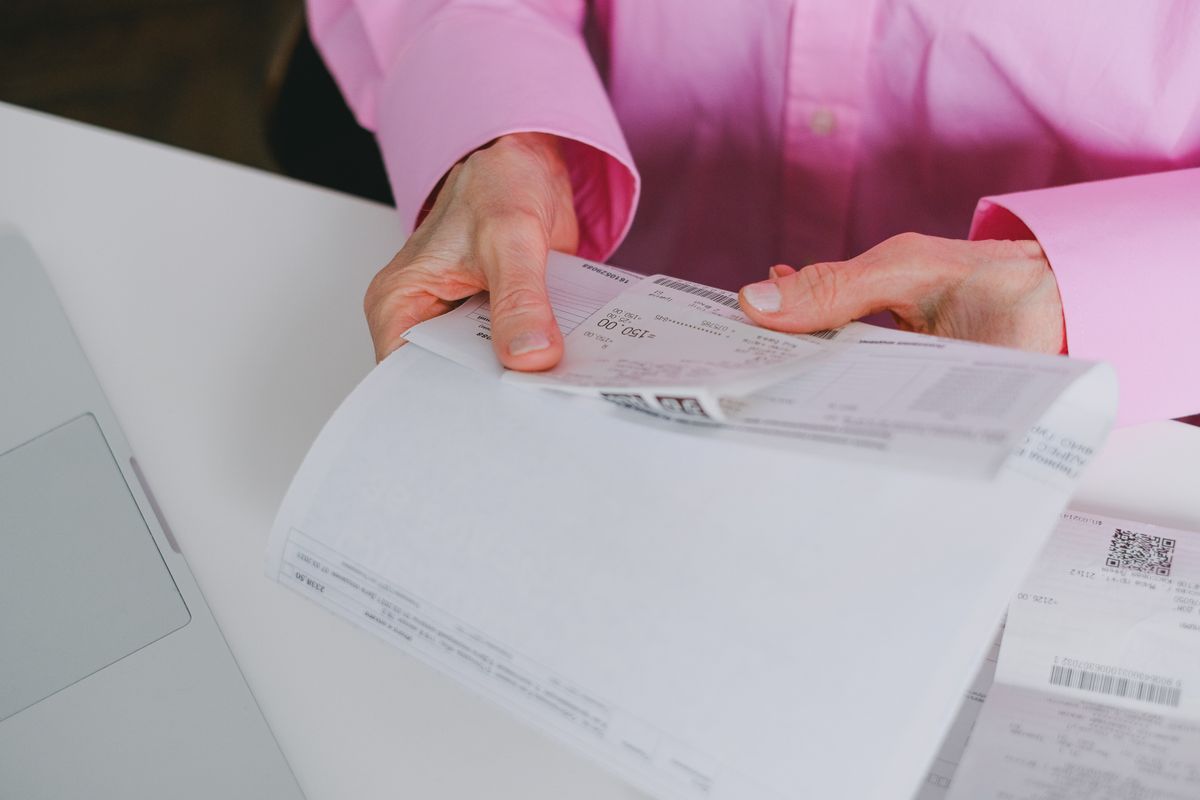
1. Chase what is already overdue
List every invoice that is unpaid and past its due date. Send a polite reminder with the invoice number, amount and original due date attached as a PDF. Many companies run their last payment batch of the year in mid-December — a reminder in the first week gives you a chance to make it.
2. Ask clients for their year-end cut-off
Ask each regular client: "What is the last date you can receive invoices for payment this year?" Some close purchase orders and budgets in December. Unused budget may disappear on January 1, so invoicing before the cut-off can be the difference between being paid and re-approving the work next year.
3. Bill December work early
Don't wait until December 31. Options:
- Invoice finished milestones as soon as they are delivered.
- For retainers, invoice December at the start of the month.
- For hourly work, send an interim invoice for hours to date before the client's cut-off.
To set a due date, count working days, not calendar days: holidays shorten payment runs. The Business Days Calculator gives you the date that is, say, 10 working days from today.
4. Check numbers, tax and currency
- Numbering: keep invoice numbers sequential with no gaps; start 2027 with a clear scheme (e.g. 2027-001) if that suits your bookkeeping.
- Tax: show the tax rate and amount on a separate line. The VAT Calculator adds or removes VAT from a price.
- Discounts: if you give a year-end discount, show it as its own line so the client sees the saving.
- Currency: state the currency on every invoice, especially for international clients.
Which tax year an invoice belongs to depends on your country's rules and your accounting method — ask your accountant if a late-December invoice matters for you.
5. Make the invoice
- Open the Invoice Generator and choose Invoice (or Quote for next year's work, Receipt for payments you have received).
- Add your business details, logo (up to 1 MB) and the client.
- Set the number, issue date and due date.
- Add line items with quantity and unit price, then the discount and tax percentages if needed.
- Put bank details and payment terms in the notes.
- Click Save as PDF / Print and choose "Save as PDF".
Everything is built in your browser; nothing you type is uploaded.
6. Archive the year
Save all 2026 invoices as PDFs in one folder, named consistently (e.g. 2026-014_ClientName.pdf), and keep copies of receipts for expenses. Your future self at tax time will thank you.
FAQ
Can I send a quote now for January work? Yes. A quote with a validity date ("valid until January 31, 2027") lets clients approve before the break and start straight after.
Is a PDF invoice legally valid? In many countries yes, but some require e-invoicing systems or specific fields. Check your local rules.
Try it now
Open the Invoice Generator and send your December invoices before your clients' year-end cut-off.