A list can look full of duplicates while containing distinctions you still need. Alpha, alpha, and a line with extra spaces may represent the same label in one workflow and different identifiers in another.
Use Remove Duplicate Lines after deciding what “the same” means for your data. The right settings depend on whether capitalization, whitespace, blank lines, and original order carry information.
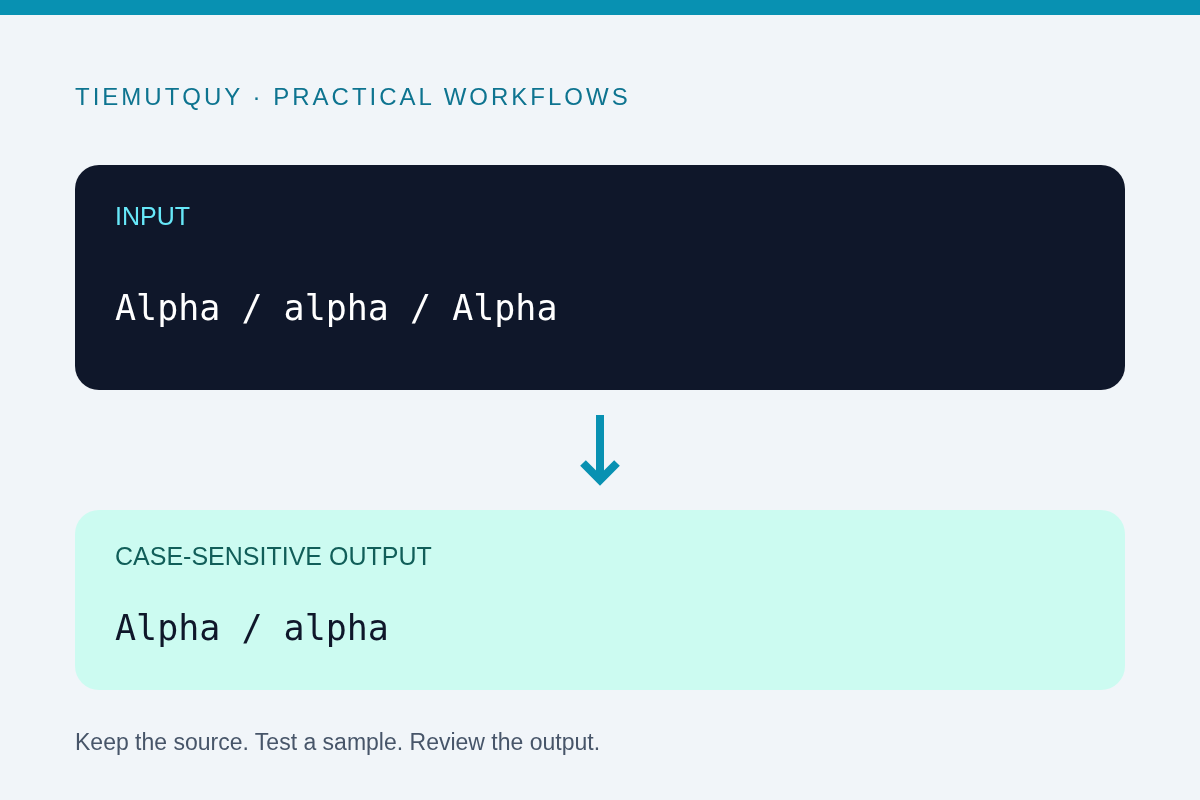
Start with a copy and a simple sample
Keep the original list unchanged. Paste a small representative section into the tool first, including the kinds of variation you expect to encounter.
For example:
Alpha
alpha
Alpha
Beta
With case-sensitive comparison, the repeated Alpha is removed while alpha remains distinct. The surviving entries appear in their original order:
Alpha
alpha
Beta
With case sensitivity disabled, the lowercase version also matches the first entry. That may be useful for human-readable categories, but it can be wrong for identifiers whose case matters.
Decide whether capitalization is meaningful
For a rough list of event topics, combining Workshop and workshop may be intentional. For passwords, case-sensitive file paths, or externally assigned codes, it may destroy a distinction you need to preserve.
Do not treat a case-insensitive comparison as universal normalization. The tool compares lowercase keys when case sensitivity is off; it does not establish business equivalence between values or reconcile different spellings.
For email-related lists, follow the rules of the system responsible for those addresses rather than assuming every textual transformation is safe. This tool processes lines; it does not validate addresses, consent, or whether two records belong to the same person.
Review the whitespace setting
Trimming whitespace removes spaces and tabs around each line before comparison. It also changes the surviving output line, so the effect is more than hiding visual noise.
That is often helpful for a copied list of product labels with accidental trailing spaces. It is unsuitable when leading whitespace represents indentation or when spaces form part of a literal value. Leave trimming off for such data and inspect the source separately.
Whitespace inside a line is a different matter. New York and New York are not automatically equivalent just because you trim the edges. Check the exact text when an apparent duplicate remains.
Preserve order before sorting
The deduplication tool keeps the first occurrence of each matching line in its original position. This is useful when the list reflects priority, a reading sequence, or the order in which items were collected.
Sorting is a separate operation. If you want alphabetical order, use Sort Lines after checking the deduplicated output. Do not sort first if you need to preserve which version appeared earliest in the original list.
A duplicate-line operation is not a record merge. Two rows sharing a customer name but containing different details will remain different lines. Conversely, identical lines may represent two legitimate occurrences in a log. Choose a data-aware method when you need entity matching or event counts.
Handle blank lines deliberately
The tool can preserve blank lines instead of treating them as duplicate values. Keep them when they separate sections you still need to understand. Remove or collapse them later if you are preparing a plain one-item-per-line list.
The Remove Empty Lines tool offers a more focused cleanup step. Review section boundaries first: deleting separators can accidentally combine lists that had different meanings.
For a large cleanup, compare the original and result with the Diff Checker. Check the counts and sample the beginning, middle, and end. A smaller output is not evidence by itself that only unwanted lines were removed.
Frequently asked questions
Does the tool keep the first or last duplicate?
It keeps the first matching occurrence and preserves the relative order of surviving lines.
Does trimming only affect comparison?
No. When trimming is enabled, the surviving lines are trimmed in the output too.
Can this deduplicate a CSV by one column?
No. It compares complete text lines, not structured records or selected columns. Use a CSV-aware workflow for that task.