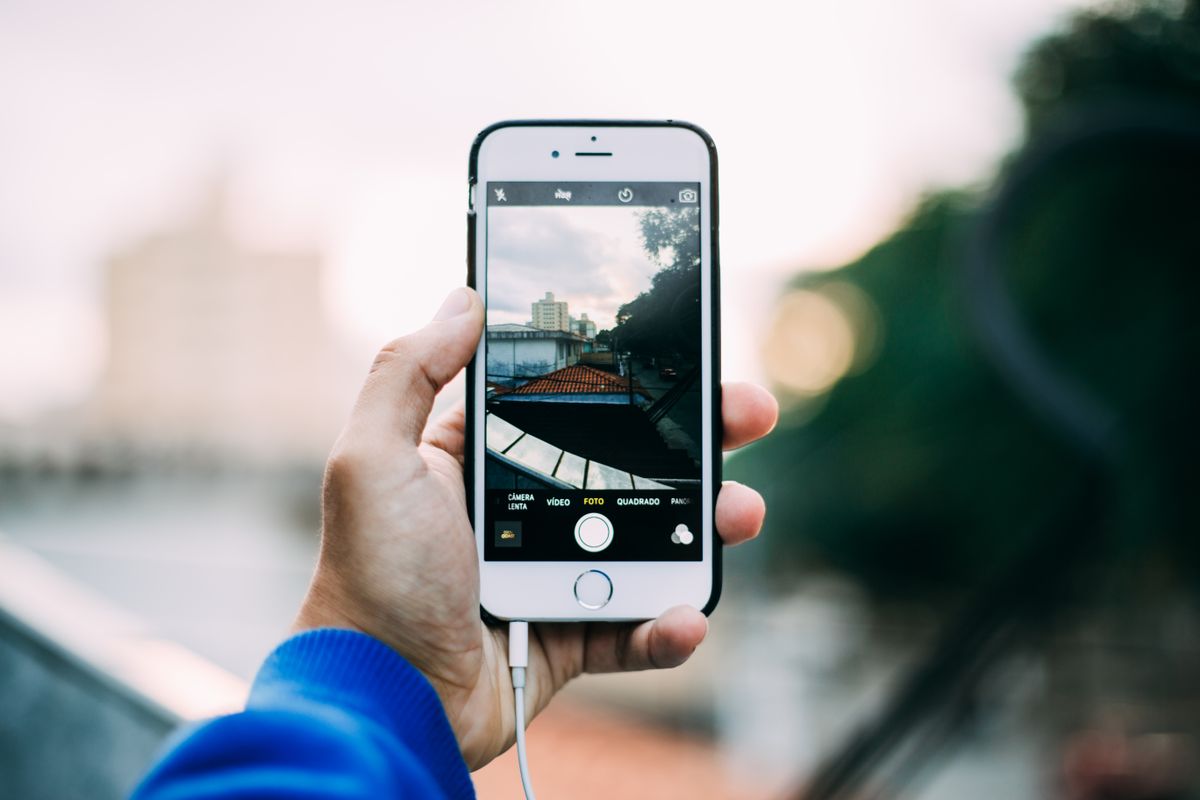
iPhones save photos as HEIC to save space. That's fine on Apple devices, but many Windows apps, websites, printers and online forms won't accept it. When you convert, you'll usually choose between JPG and PNG — and the right answer depends on what you'll do with the photo next.
The short answer
- Sharing, uploading, printing, emailing → JPG. Small files that open everywhere.
- Editing, design work, or a tool that requires PNG → PNG. Lossless, so repeated edits don't degrade it.
How they compare
| HEIC → JPG | HEIC → PNG | |
|---|---|---|
| File size | Small — often similar to the HEIC | Large — often several times bigger |
| Quality | Tiny loss, invisible at 90%+ | Lossless |
| Compatibility | Everywhere | Almost everywhere |
| Best for | Sharing and uploads | Editing and design |
HEIC is a very efficient compressed format. JPG is also compressed, so sizes stay reasonable. PNG keeps every pixel, so a 2 MB HEIC photo can become a PNG of 15 MB or more.
How to convert HEIC to PNG
- Open the free HEIC to PNG converter.
- Choose up to 20 HEIC photos at once.
- Click Convert to PNG and download each image.
For JPG, use HEIC to JPG, which also has a quality slider. Both convert in your browser, so your photos are never uploaded. The first conversion downloads a decoder (about 3 MB), which is then reused.
When PNG really is the better choice
- You'll edit the photo several times. Each JPG save loses a little detail; PNG doesn't.
- A design or print workflow asks for lossless files.
- You'll cut out the subject and need a format that supports transparency afterwards.
For everything else, JPG is the practical choice. See JPG vs PNG: Which Format Should You Use? for a deeper comparison.
Stop getting HEIC in the first place
On iPhone, go to Settings → Camera → Formats and choose Most Compatible. New photos will be saved as JPG. Photos are larger, but you'll never need to convert again.
FAQ
Will converting to PNG improve quality? No. PNG preserves the photo exactly as decoded from the HEIC; it can't add detail that isn't there.
Why is my PNG so big? Lossless formats keep every pixel. Use JPG if size matters.
Does the converted photo keep its location data? Run it through the EXIF Metadata Remover to check and remove anything left before sharing.
Try it now
Convert with HEIC to PNG or HEIC to JPG.
Related reading
See How to Convert HEIC to JPG and How to Remove Location Data From Photos. Browse the full blog for more guides.