A configuration review should explain what will change when the application runs. A wall of colored text can make that harder: indentation, reordered keys, and line endings may distract from a single changed hostname or timeout.
Use the Diff Checker to compare two text versions, then verify the result against the configuration format and the application's expectations. A clean-looking diff is useful evidence, but it is not a deployment approval by itself.
Start with the exact versions you intend to compare
Label one copy as the current configuration and the other as the proposed configuration. Record the environment for each: development, staging, or production. Comparing two different environments can produce many intentional differences and hide the actual edit you need to review.
Keep originals unchanged while you prepare comparison copies. If the file contains credentials, replace secret values with consistent placeholders before using them in examples, issue comments, or screenshots. Preserve the field names and structure so the review remains meaningful.
For example, use API_TOKEN=REDACTED on both sides when the token is irrelevant. If rotating a credential is part of the change, state that explicitly in the review without exposing either value.
Choose the diff granularity for the question
Line comparison is a good first pass for configuration files. It shows which settings were added, removed, or replaced. Word comparison helps with prose-like values and long lines. Character comparison is useful when two URLs or numeric values look almost identical.
Consider these two sample lines:
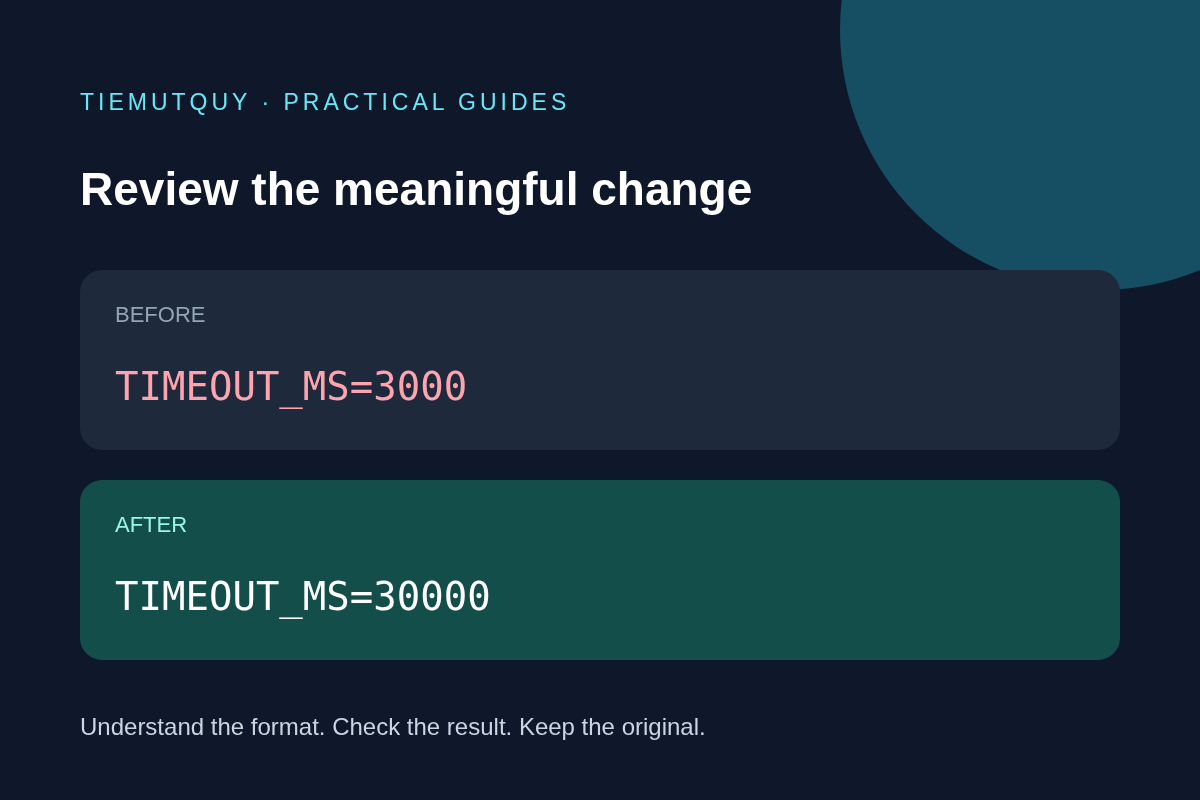
Before: REQUEST_TIMEOUT_MS=3000
After:  REQUEST_TIMEOUT_MS=30000
The extra zero is easy to overlook in a large file. After finding it, ask whether the unit is milliseconds and whether waiting ten times longer is intended. The diff identifies a textual change; a reviewer supplies the operational context.
The site's checker offers line, word, and character comparisons. Its whitespace-ignore option applies to line comparison, while case-ignore applies to word and character comparison. Select options deliberately rather than assuming all filters work identically in every mode.
Review once without ignore filters
Whitespace is not always cosmetic. YAML uses indentation to express structure, and shell commands can change meaning when spaces or quoting change. Ignoring whitespace too early can conceal the exact edit that broke a file.
Case also matters in many configuration values. A path, token, or externally defined identifier may be case-sensitive even when a human considers the two versions equivalent. Only ignore case when the field's specification makes that safe.
A practical sequence is to inspect the unfiltered comparison first, then enable a filter to reduce known noise, and finally return to the unfiltered result for a last check. Record any normalization you performed so another reviewer can reproduce the comparison.
Normalize structured files carefully
Two JSON objects can have the same members in a different order and therefore create a noisy text diff. Matching indentation with the JSON Formatter can improve readability, but formatting does not sort every document into a semantic canonical form.
Do not reorder arrays merely to make a comparison shorter. Their order may control priority, execution, or display. Duplicate object keys and large numeric identifiers also deserve special attention: parsing can discard or change information before the diff begins. For large IDs, read why large JSON IDs change before reserializing a sample.
Use a format-specific validator alongside the textual comparison. For JSON, the JSON Validator can catch syntax problems. Syntax validation still does not confirm required application fields, supported values, or a successful connection to an external service.
Turn changed lines into review questions
For each meaningful difference, check its purpose and effect:
- Hostnames and paths: Does the new endpoint belong to the intended environment?
- Timeouts and limits: Are the units correct, and what happens when the limit is reached?
- Feature flags: Does the application expect a Boolean, string, or numeric value?
- Removed fields: Is there a safe default, or will startup fail?
- Credentials: Has the rotation procedure been followed without exposing secrets?
Then run the application's relevant configuration check or a focused staging test. Keep the diff with the change record so someone can trace what was reviewed. The checker compares text; it does not merge files, execute configuration, or establish that a release is safe.
Frequently asked questions
Does an empty diff prove the application behaves the same?
No. Environment variables, defaults, external files, and application versions can change behavior even when these two text inputs match.
Should I always ignore whitespace?
No. Review it first, especially for indentation-sensitive formats. Enable the filter only when you understand what it hides.
Why compare a short section instead of a huge file?
A focused section is easier to review and can reduce browser work. The checker has a comparison time limit, so very large or difficult inputs may not produce a result. Keep enough surrounding context to understand the changed setting.