You paste an API response into a JSON formatter, and an identifier ends in a different digit afterward. The JSON can be syntactically valid while its number cannot be represented exactly by the parser. This is especially important for database keys, order references, and exported event IDs.
Before using the JSON Formatter on a response with long numeric identifiers, keep an untouched copy. Formatting through a JavaScript parser can change a value that is outside its safe integer range.
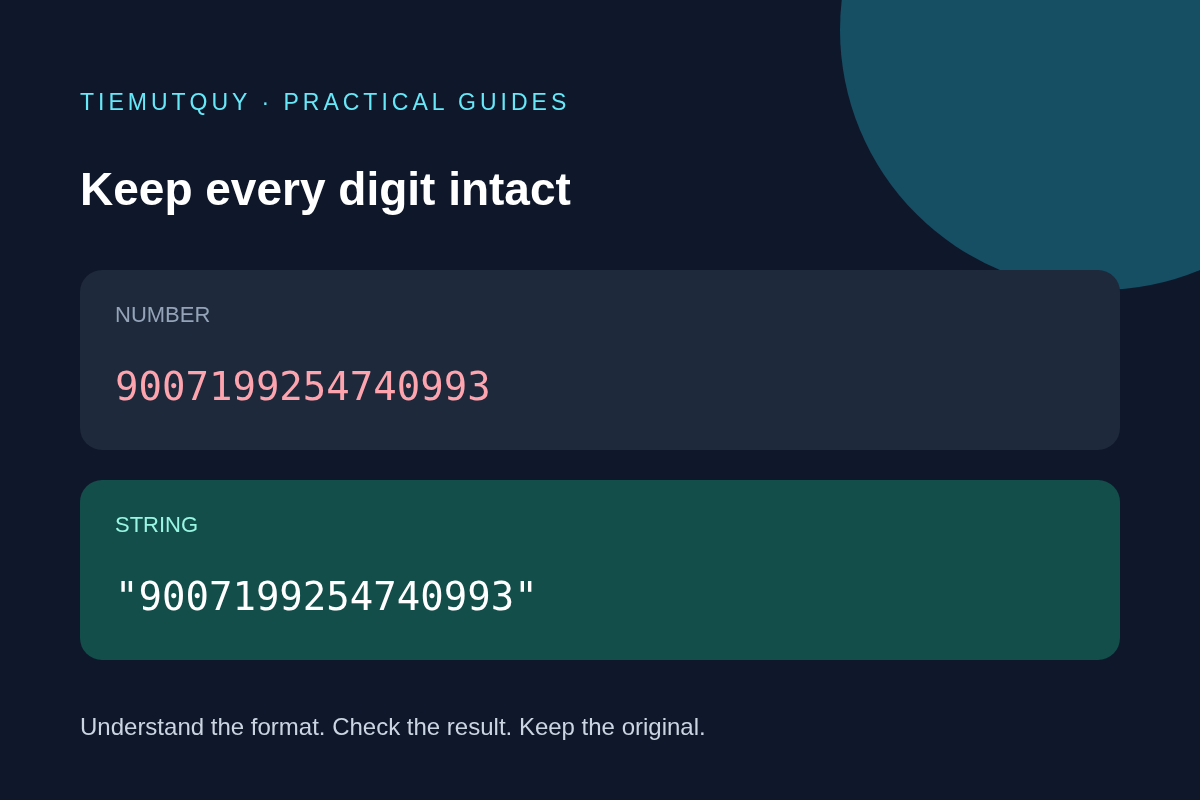
JSON syntax and number precision are separate checks
A JSON validator answers whether the input follows JSON syntax. It does not necessarily prove that every consumer can preserve the original numeric value. Different systems can parse the same valid JSON number using different numeric representations.
JavaScript's Number type has a maximum safe integer of 9007199254740991, or 2 to the power of 53 minus 1. Above this boundary, consecutive integers are not all distinguishable. See the MDN reference for Number.MAX_SAFE_INTEGER.
This does not mean every larger integer changes. It means exact handling is no longer guaranteed for arbitrary integers. Counting digits is only a rough warning; the numeric value and the parser's behavior determine the result.
Reproduce the issue with a harmless example
Run this example in a JavaScript console:
const raw = '{"id":9007199254740993}';
const parsed = JSON.parse(raw);
console.log(parsed.id); // 9007199254740992
console.log(JSON.stringify(parsed));
// {"id":9007199254740992}
The changed digit is not an indentation issue. Precision was lost when the raw text became a JavaScript number. Adding spaces, using a different indentation width, or copying the parsed result into a second formatter cannot recover the original digits.
The site's formatter and minifier both use JSON.parse followed by JSON.stringify. This makes the limitation relevant to these tools. The JSON Validator is useful for syntax checks, but a valid result is not a guarantee of lossless numeric round-tripping.
Preserve identifiers as strings at the source
An identifier usually labels something rather than measures it. If you control the API schema, represent identifiers that can exceed consumer limits as strings:
{
  "id": "9007199254740993",
  "orderReference": "000042",
  "quantity": 3
}
The string keeps the large ID intact. It also preserves leading zeros in the order reference, which are meaningful in many external systems. Quantity remains numeric because the application needs arithmetic on it.
Changing an API field from a number to a string affects its contract. Update server validation, client types, database mapping, and integration documentation together. Do not silently switch types in an exported sample and assume existing clients will accept the change.
What if the API cannot change?
Keep the original response text and use a parser that explicitly supports lossless large numbers or arbitrary precision. Verify the parser's configuration and serializer as a pair. A parser that reads exactly but later writes through an ordinary floating-point number still risks changing the result.
Converting the rounded result to BigInt afterward is too late: it preserves the rounded value, not the original digits. Ordinary JSON.stringify also does not serialize a BigInt value without an explicit conversion strategy. Decide whether the final JSON should contain a string or an exact numeric token based on the receiving system's contract.
Avoid a global regular expression that adds quotes around every sequence of digits. It can alter numbers inside strings, timestamps, decimals, or unrelated fields. Fix the producer or choose a suitable parser rather than rewriting an unknown document blindly.
Check a document before sharing it
- Save the raw response separately.
- Identify fields expected to contain long IDs, exact monetary amounts, or leading zeros.
- Test a small non-sensitive sample through the intended tool.
- Use the Diff Checker to review changed characters between raw and serialized versions.
- Confirm the result against the API schema, not just the absence of syntax errors.
A textual diff helps expose changed digits. It does not prove semantic equivalence or validate the business rules of the document.
Frequently asked questions
Does minifying JSON protect large numbers?
Not when the minifier parses and serializes with ordinary JavaScript numbers. Removing whitespace through that pipeline can still change numeric values.
Is every 16-digit number unsafe?
No. Compare its value with the safe integer boundary. A blanket rule based only on digit count will reject some safe values and miss other numeric precision concerns.
Can a formatter repair a rounded ID?
No. Recover the original response or query the authoritative source. The missing information cannot be inferred reliably from the rounded value.