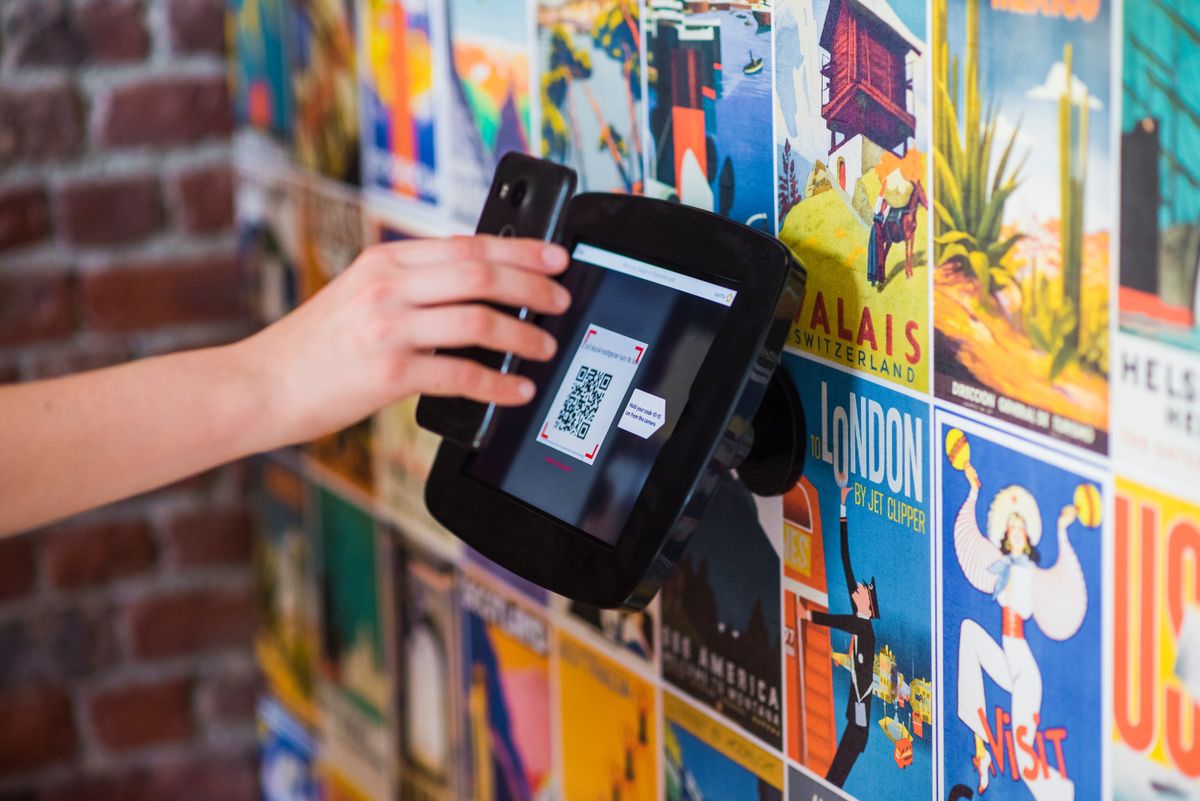
You've designed the poster, the menu or the packaging, and it needs a QR code. Before you generate one, there's a choice that's easy to miss: static or dynamic. Pick the wrong one and you may end up reprinting everything when a link changes.

What is a static QR code?
A static QR code stores its content directly in the pattern. If it points to a website, the full URL is encoded in the black and white squares themselves. Scanning it doesn't involve any middleman — the phone reads the URL and opens it.
- Permanent. It works as long as the destination exists. No account, no subscription, no expiry.
- Private. Nothing sits between the scanner and your content, so nobody is logging scans.
- Can't be edited. Change the URL and you need a new code — and a reprint.
Static codes also handle more than links: Wi-Fi logins, contact cards, email drafts, SMS messages and plain text all work, because the phone decodes the data offline.
What is a dynamic QR code?
A dynamic QR code encodes a short redirect link instead of your final URL. When someone scans it, they hit the redirect first, which sends them on to whatever destination you've set.
- Editable after printing. Change where the short link points, and every printed copy follows.
- Scan analytics. Because every scan passes through the redirect, you can count scans per day.
- Simpler pattern. The short link is shorter than most real URLs, so the code has fewer modules and scans more easily at small sizes.
The trade-off: a dynamic code only works while the redirect service is running. It's also limited to web links — a Wi-Fi or contact QR code has to be static.
Static vs dynamic at a glance
| Static | Dynamic | |
|---|---|---|
| Edit after printing | No | Yes |
| Scan statistics | No | Yes |
| Needs an account | No | Yes |
| Works offline (Wi-Fi, vCard) | Yes | No — links only |
| Depends on a service | No | Yes |
When a static QR code is the better choice
- The destination will never change — your homepage, a Wi-Fi network, a contact card.
- You don't need to know how many people scanned it.
- Privacy matters, or the code must keep working for years without anyone maintaining it.
When a dynamic QR code is worth it
- Printed at scale. Flyers, packaging and signage are expensive to reprint.
- Campaigns that change. A restaurant menu, a seasonal promotion, an event page that moves after the event.
- Measuring results. Put different codes on different flyers and compare scans.
How to create either type
Static: open the free QR Code Generator, choose the content type (URL, text, Wi-Fi, vCard, email, phone or SMS), style it and download PNG or SVG. No sign-up.
Dynamic: create a free account, then go to Dynamic QR Codes in your account. Enter the destination URL, download the code, and change the destination whenever you need to. The same page shows scans per day.
FAQ
Do static QR codes expire? No. The data is in the pattern, so it works as long as the destination does.
Can I turn a static code into a dynamic one? No — the URL is baked into the printed pattern. Generate a dynamic code and replace the print.
Are dynamic codes slower to open? The redirect adds a fraction of a second, which most people won't notice.
Try it now
Make a static code with the QR Code Generator, or an editable one under Dynamic QR Codes.
Related reading
See 5 Tips for Creating Professional QR Codes for Small Businesses and QR Code Error Correction Levels Explained.