A newsletter can send readers to the right page while leaving you with confusing campaign reports. One email uses Newsletter, another uses newsletter, and a third labels the same channel as email_campaign. The fix starts with a repeatable naming convention.
The UTM Builder helps assemble campaign URLs without manually concatenating question marks and ampersands. Decide what each field means before you generate links, then keep that meaning consistent across editions.
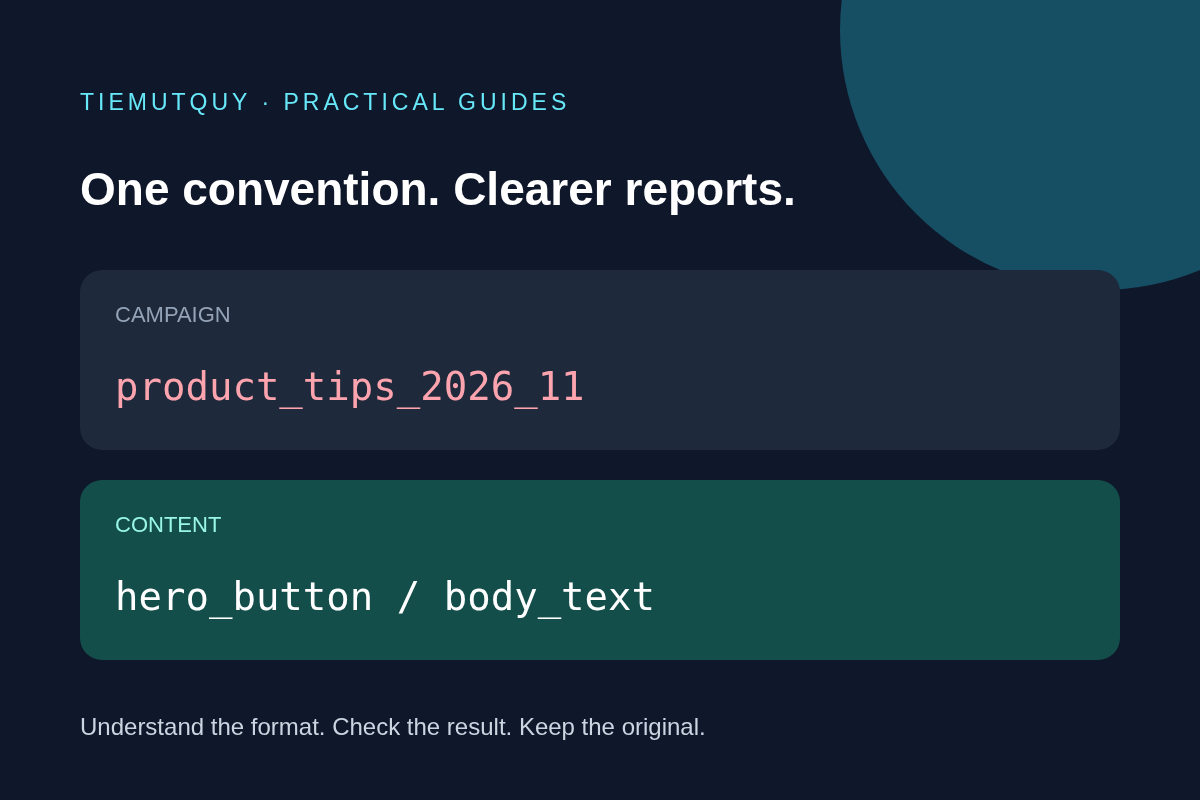
Give each parameter one job
For a monthly product newsletter, use a simple baseline:
| Parameter | Example | Meaning |
|---|---|---|
utm_source |
monthly_newsletter |
The recurring publication sending traffic |
utm_medium |
email |
The marketing channel |
utm_campaign |
product_tips_2026_11 |
The specific edition or initiative |
utm_content |
hero_button |
The placement or creative being compared |
Google recommends including source, medium, and campaign when adding campaign parameters. Its campaign URL documentation also describes content as a way to distinguish links or creatives within an email.
Keep the convention short enough that another person can apply it without asking for an explanation. Lowercase words separated by underscores work well for this example. The exact separator matters less than using one agreed convention throughout the team.
Generate the first destination URL
Suppose your untagged destination is:
https://example.com/guides?plan=starter#examples
Enter that address in the builder, then add the four values from the table. The result is:
https://example.com/guides?plan=starter&utm_source=monthly_newsletter&utm_medium=email&utm_campaign=product_tips_2026_11&utm_content=hero_button#examples
The existing plan=starter parameter remains, and the fragment still points to the examples section. Campaign parameters belong in the query string before the # fragment; text added after the fragment is not an ordinary query parameter.
The builder requires a source. Medium and campaign are optional in the interface, but it warns when they are missing. Fill them in for this newsletter convention so your reports have useful context.
Distinguish link placements without splitting the campaign
If the same destination appears in both a main button and a paragraph, keep source, medium, and campaign identical. Change only content:
Main button: utm_content=hero_button
Paragraph:   utm_content=body_text
Footer:      utm_content=footer_link
This lets you distinguish placements while retaining one campaign name for the edition. Do not make every button a different campaign unless your reporting plan intentionally treats them as separate initiatives.
Avoid changing several variables at once if you want to learn about placement. A different destination, offer, and label can all influence clicks, so a difference in results is not automatically caused by the button's position.
Reuse links carefully
A copied link may already contain last month's campaign values. In this builder, entering a value replaces the corresponding existing UTM parameter. Leaving a UTM field blank removes that corresponding parameter from the output. Check every field when adapting an older URL, especially content and campaign ID.
The tool warns about capitals and spaces but does not automatically lowercase your entries. Treat warnings as a prompt to review naming consistency, then copy the generated URL exactly. Do not add an extra question mark to attach parameters to a destination that already has a query string.
Keep names descriptive without embedding a subscriber's email address, phone number, or other personal identifier. Campaign labels should describe the marketing activity, not identify an individual recipient.
Test the email journey before sending
- Paste the generated URL into the email draft.
- Send a test email and click the actual link from an email client.
- Confirm that the destination page, existing filters, and anchor still work.
- Check that redirects preserve the campaign query parameters.
- Verify collection using the analytics setup available on your own site.
UTM tagging does not install analytics or guarantee that every click appears in reports. Consent choices, blockers, redirects, and your measurement configuration can affect collection. Email security scanners can also visit links, so reported activity is not automatically a count of engaged human readers.
Use tagged links for external acquisition campaigns. Avoid adding campaign tags to routine links between pages of your own site; doing so makes the acquisition story harder to interpret.
Frequently asked questions
Should every newsletter use the same campaign name?
Only if you intentionally want them grouped together. An edition suffix makes separate sends easier to compare while a stable source identifies the publication.
Do I need utm_term for an email?
Usually not for this workflow. Leave it empty unless your measurement plan gives it a specific role; do not fill every optional field just because it exists.
Can I shorten the generated URL?
You can use a redirecting short link if it preserves the full destination and its query parameters. Test the complete click path before sending, since a visually cleaner URL does not prove that tracking survives the redirect.