Converting an image to Base64 makes it easy to place the image inside a text field, but it does not make the image smaller. The output can be convenient for a tiny embedded asset and inconvenient for a large photo repeated across a website.
Use Image to Base64 when a destination explicitly accepts a data URL or an encoded payload. Check which form it expects before copying the result, because a full data URL and raw Base64 are not interchangeable.
Recognize the data URL structure
A simplified PNG data URL looks like this:
data:image/png;base64,iVBORw0KGgo...
The prefix declares the media type and encoding. The comma separates that metadata from the encoded payload. The dots above indicate omitted data; this illustration is not a complete image you can decode.
The tool provides a data URI, the raw Base64 payload, and HTML and CSS snippets. Choose the output that matches the receiving field. A field requesting only Base64 may reject a value that still includes data:image/png;base64,.
The browser's file-reading API produces a full data URL. The MDN readAsDataURL documentation explains this representation and the distinction from the Base64 portion alone.
Estimate the size before embedding
For standard padded Base64, every group of three input bytes becomes four encoded characters. The payload length is:
4 × ceil(original_bytes / 3)
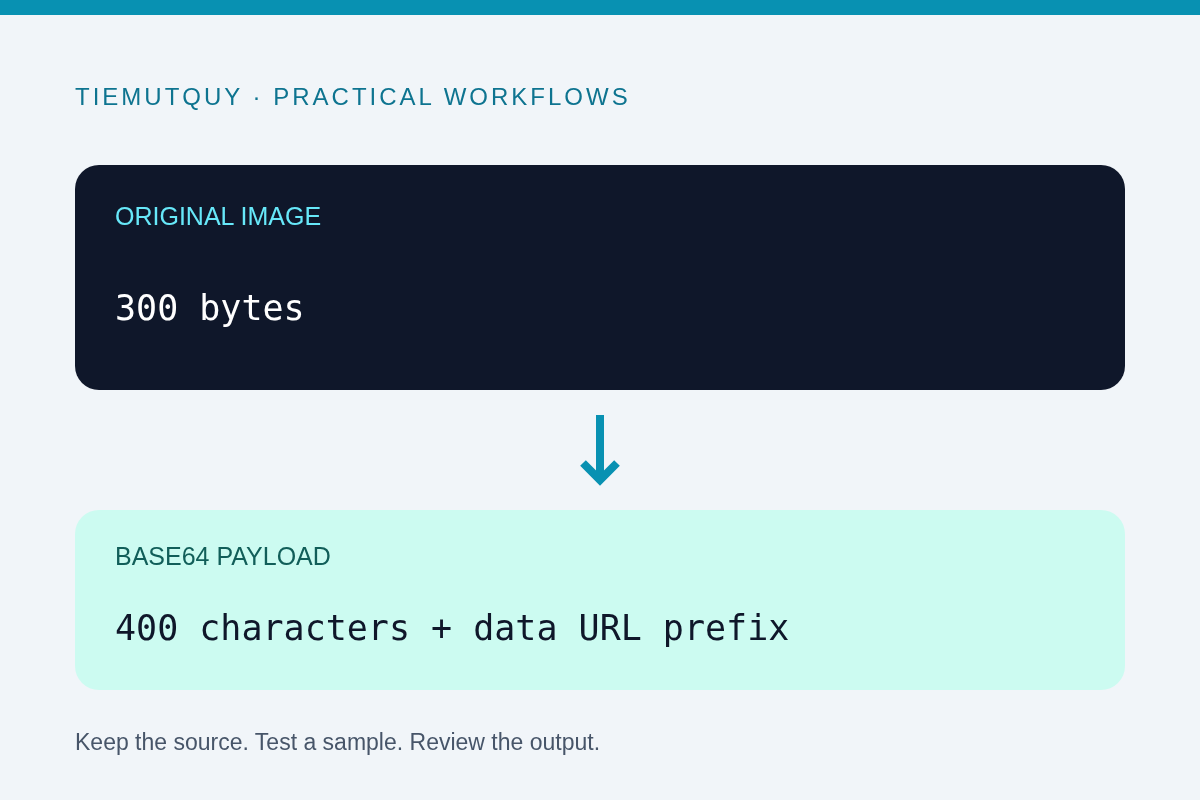
An image containing 300 bytes therefore becomes 400 Base64 characters before its prefix. A 300,000-byte image becomes 400,000 characters. This is representation overhead, not extra visual detail.
Network compression can change the size of the surrounding HTML or CSS in transit, so the formula is not a precise prediction of transferred bytes. It is still useful for understanding why encoding is not image compression.
If the source image is unnecessarily large, reduce it first with an appropriate image tool. Use Compress Image to KB for a target-size JPEG or WebP, then encode the result only if the application requires Base64.
Compare embedding with a separate asset
A data URL travels inside its containing document or stylesheet. That can avoid a separate image request, but it also makes that containing resource larger. An image repeated across multiple pages may be better served as a reusable external asset that the browser can cache independently.
Embedding is often worth considering for a small, self-contained example or an export format that needs everything in one file. Large article photos, reusable logos, and image galleries deserve a measured comparison with ordinary image URLs.
Do not assume “one fewer request” always means a faster page. Measure the complete page in its actual delivery setup, including caching, compression, and the amount of HTML or CSS that must arrive before the image can be used.
Check the receiving environment
Some editors, email clients, and security policies restrict data URLs. A snippet that works in a local browser preview may be removed or blocked by the system where you paste it.
Try a small image first and save the document through the real workflow. Reopen the saved result to confirm that the asset survives sanitization and storage. If the application documents a maximum field length, compare that limit with the encoded output rather than the original file size.
For HTML images, provide meaningful alternative text when the image conveys information. The generated snippet is a starting point; review it in the context of the final page rather than assuming a generic label is sufficient.
Keep the original asset
Base64 does not hide the image or remove its metadata. Anyone with the payload can generally reconstruct the encoded file. If you need to remove metadata, process and verify the image before encoding it.
This tool reads the selected file in your browser. Keep the original file alongside any generated snippet so you can edit, resize, or replace the asset without treating a long encoded string as your only source.
Frequently asked questions
Does Base64 improve image quality?
No. It changes how existing bytes are represented. It does not add detail or sharpen a blurry source.
Should I paste the prefix into every API field?
No. Follow the API contract: some fields expect a full data URL, others only raw Base64, and others a normal file upload.
Can I use a data URL everywhere an image URL works?
No. The receiving application's limits and security policy can restrict it. Test the actual destination before adopting the format.