
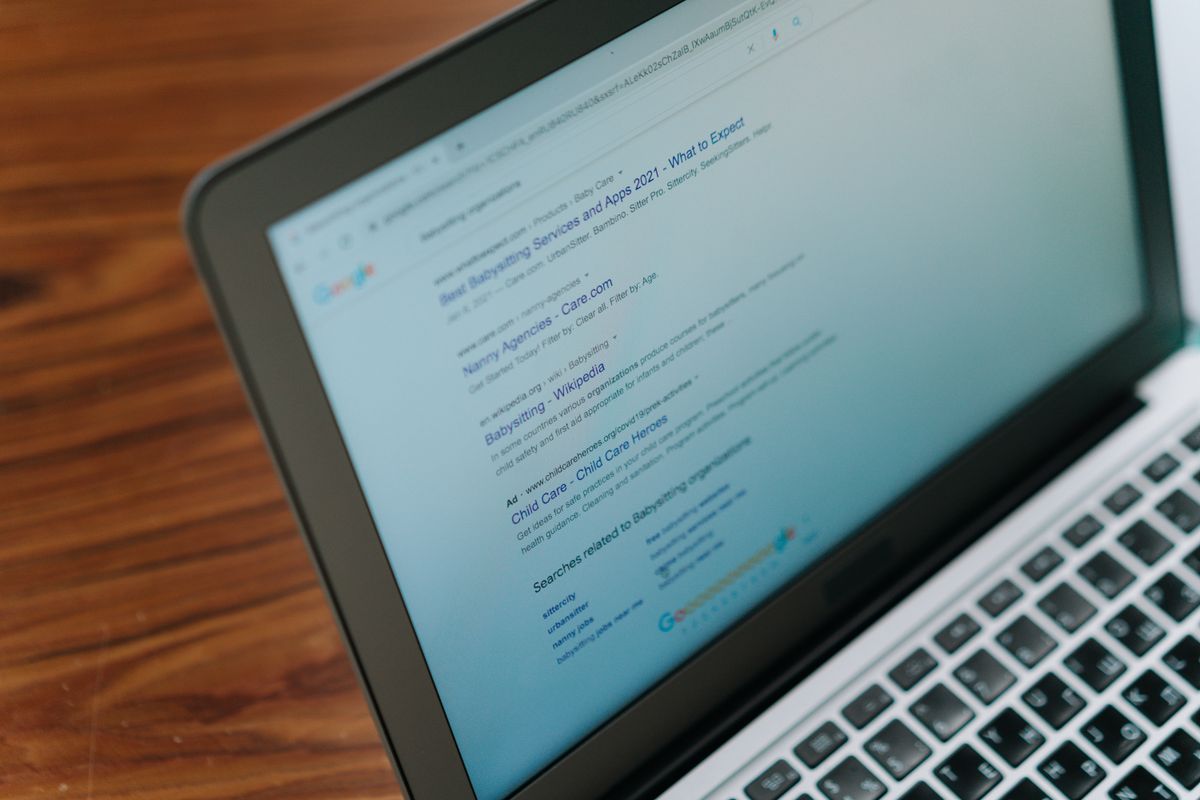
When your page appears in Google, people decide in a second whether to click. What they see is the search snippet: a blue title, a green-grey URL and a short description. Previewing it before you publish means you control that first impression.

The three parts of a search result
- The title — taken from your page's title tag, and the most important part.
- The URL — shown as a breadcrumb such as
example.com › blog › my-post. - The description — from your meta description, or text Google picks from the page.
Why previewing matters
Search engines cut off text that's too long. A title that ends "…and Why It Ma…" or a description that trails off mid-sentence looks careless and hides your message. A preview shows you before it goes live.
Titles are cut by pixel width, not characters
Google truncates titles by pixel width — roughly 580 to 600 pixels on desktop. That's why character counts alone mislead: "WWWW" is far wider than "iiii". The SERP Snippet Preview measures the width of your title the way a browser renders it, so the warning is much closer to reality than a character counter.
Descriptions are generally cut somewhere around 120 to 155 characters, depending on the device and the search.
How to preview your snippet
- Enter your page title, URL and meta description into the SERP Snippet Preview.
- Switch between the desktop and mobile view.
- If a warning says the title or description would be cut off, shorten it or move the important words to the front.
Everything happens in your browser; nothing you type is sent anywhere.
Tips for better snippets
- Lead with what matters. Put the key words at the start of the title.
- Be specific. "How to convert HEIC to JPG for free" beats "Image tool".
- Write for people. A description is an advert for your page — say what the reader gets.
- Keep every title unique across your site.
- Use a readable URL without long strings of numbers.
An important caveat
Google decides what to show. It often rewrites titles and picks its own snippet if it thinks another one fits the search better. A preview is an estimate, not a guarantee — but a well-written title and description make a rewrite less likely.
FAQ
Does the meta description affect rankings? Not directly. But a compelling description can raise your click-through rate, which helps your traffic.
Why does Google show a different title than mine? It may rewrite titles that are too long, too generic or don't match the search query.
Do mobile and desktop snippets differ? Yes — the space available differs, so descriptions are often shorter on mobile.
Try it now
Open the free SERP Snippet Preview and paste your title and description.
Related reading
See How Long Should a Meta Title and Description Be? Browse the full blog for more guides.