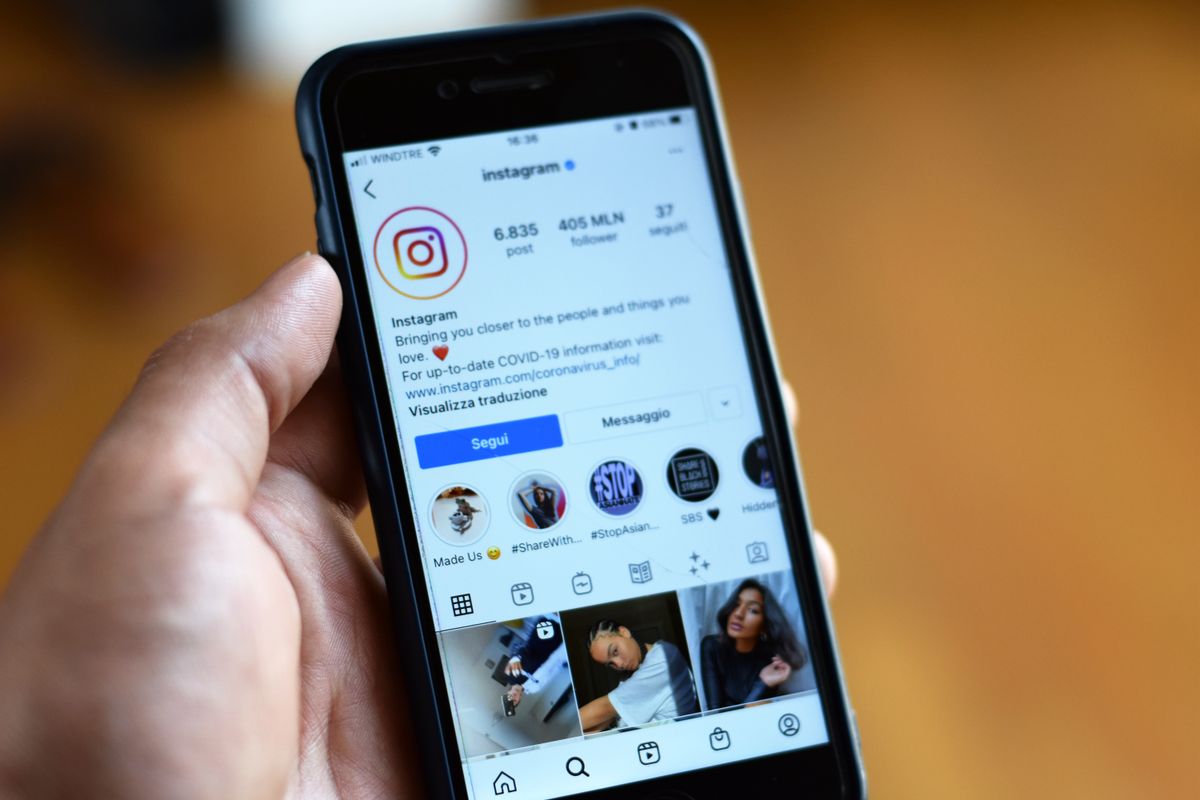
Upload a photo with the wrong shape and the platform crops it for you — often cutting off heads, text or the very thing you wanted to show. Cropping it yourself first means you decide what stays in the frame.
Aspect ratios by platform
| Where | Ratio | Common size |
|---|---|---|
| Instagram square post | 1:1 | 1080 × 1080 |
| Instagram portrait post | 4:5 | 1080 × 1350 |
| Stories, Reels, TikTok | 9:16 | 1080 × 1920 |
| YouTube thumbnail | 16:9 | 1280 × 720 |
| Profile photos | 1:1 | — |
The ratio is what matters most when cropping — it sets the shape. Platforms scale the image to their display size afterwards.
How to crop an image to a specific ratio
- Open the free Image Cropper and choose your photo.
- Pick a ratio from the list — 1:1, 4:5, 16:9, 9:16, 4:3 or 3:2 — or keep Free for any shape.
- Drag the box to frame your subject, and drag its corners to resize it. The exact pixel size is shown as you go.
- Click Crop image and download the result.
The crop is made at full resolution, so no quality is lost. PNGs stay PNG (with transparency), JPGs stay JPG. Your photo is never uploaded.
Composition tips
- Use the grid. The cropper shows a rule-of-thirds grid. Placing eyes, horizons or your subject along those lines usually looks more natural than dead centre.
- Leave breathing room. Don't crop tight against heads or edges of products.
- Mind the safe zones. On Stories and Reels, the top and bottom are covered by buttons and captions — keep text and faces in the middle.
- Portrait beats square on Instagram. A 4:5 post takes up more of the feed than 1:1.
Need an exact pixel size?
Cropping sets the shape. If a site also demands exact dimensions, like 1280 × 720 for a YouTube thumbnail, crop to 16:9 first, then use the Image Resizer to scale it to the exact size. Because the ratio already matches, nothing gets stretched.
FAQ
Does cropping reduce quality? No. The kept area keeps its original pixels. JPG and WebP are saved at high quality (92%).
Can I crop a photo into a circle for a profile picture? Crop it to 1:1. Platforms apply the circle mask themselves.
Can I crop several images at once? The cropper handles one image at a time so you can frame each one properly.
Try it now
Frame your next post with the free Image Cropper.
Related reading
See How to Resize an Image Without Distorting It and How to Compress Images Without Losing Quality. Browse the full blog for more guides.