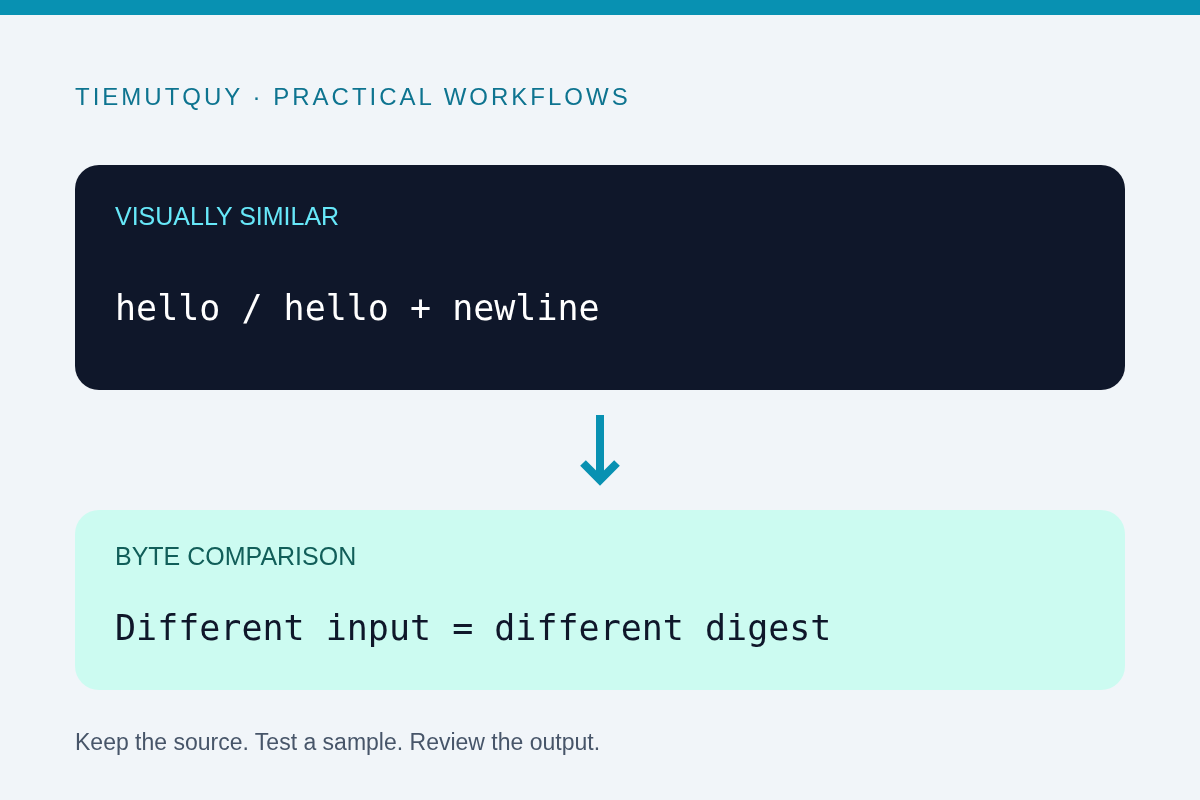
Two copies of a document can look identical and still produce different SHA-256 hashes. A hash processes bytes, not visual appearance. An invisible newline, a different text encoding, or the wrong input mode can explain the mismatch.
Use the Hash Generator to compare controlled text and file samples. Before assuming corruption, confirm that both checksums were calculated from the same algorithm and the same exact input bytes.
Distinguish text mode from file mode
In text mode, this tool converts the entered text to UTF-8 bytes and hashes those bytes. In file mode, it reads the selected file's actual contents. The file's name is not the input to the digest.
If you paste notes.txt into text mode, you hash those nine characters, not the contents of a file with that name. Select the actual file when comparing a checksum supplied for a download.
The tool displays several algorithms. Compare SHA-256 with SHA-256, not with an MD5 or SHA-512 value from another source. Uppercase versus lowercase hexadecimal letters are only a display difference for the same digest; they do not indicate different underlying bytes.
Check the final newline
A text editor or command-line workflow may append a newline at the end of a file. The visible word can remain hello, while the file contains an additional byte for LF.
These are different inputs:
hello
and the same word followed by a newline. A screenshot of the editor may not reveal the distinction. Use an editor that shows line endings or inspect the bytes when you need a precise explanation.
When writing a command-line test, use a method that explicitly controls the newline. For example, on systems with sha256sum:
printf %s hello | sha256sum
This hashes the five ASCII bytes of hello without adding a final newline. Do not compare it with the hash of a file that intentionally contains a line terminator and expect agreement.
Compare LF and CRLF
Unix-style line endings commonly use LF, while some Windows text files use CRLF. The extra carriage-return byte changes the file contents even when both editors display the same lines.
Version-control settings, text editors, and transfer tools can normalize line endings. If a checksum changed after opening and saving a text file, check whether such normalization occurred. Keep the original download untouched while investigating.
The Diff Checker is useful for reviewing readable changes, but a textual comparison can normalize or hide line-ending details. Its line mode strips trailing carriage returns, so an apparently empty line diff is not proof that two files have identical bytes.
Check encoding and invisible markers
UTF-8 and UTF-16 encode the same visible text differently. A byte-order mark can add bytes at the beginning of a file. Visually equivalent Unicode text may also use different character sequences.
Do not convert or resave the file before verifying a published checksum. Even a harmless-looking edit creates a different artifact. If you need to compare normalized text for editorial purposes, define that normalization separately from exact-file verification.
For a controlled JavaScript example, these byte arrays differ:
const plain = new TextEncoder().encode('hello');
const terminated = new TextEncoder().encode('hello\n');
console.log(plain.length); // 5
console.log(terminated.length); // 6
Interpret the result in context
If two SHA-256 values differ, the compared byte sequences are not the same under that digest calculation. Recheck the downloaded version, archive contents, and algorithm before deciding which copy is correct.
A matching digest is useful for integrity checks, but its trust depends on where the expected value came from. An attacker who can replace both a file and an unauthenticated checksum can make them agree. Obtain the expected checksum through an appropriate trusted channel.
The Web Crypto digest documentation describes the browser API used for SHA digests. This browser tool calculates digests locally. It is not a password-storage system, a signature verifier, or a proof of authorship. Use it for the specific comparison you need and preserve the source files for follow-up checks.
Frequently asked questions
Does renaming a file change its content hash?
Not by itself. This tool hashes the selected file's bytes, not its filename.
Can two identical-looking texts have different hashes?
Yes. Encoding, line endings, invisible characters, or a final newline can change the bytes.
Should I edit a file until its hash matches?
No. Recover the intended original artifact and compare it with the expected checksum. Guessing edits is not a reliable verification method.