A link works on its own, then breaks when you place it inside another URL. The usual cause is a reserved character: the inner link's ampersand becomes a separator in the outer query, or its fragment is interpreted at the wrong level.
The URL Encoder can encode one component so that it travels as a single value. The key is to identify which layer you are constructing and avoid encoding the whole final address indiscriminately.
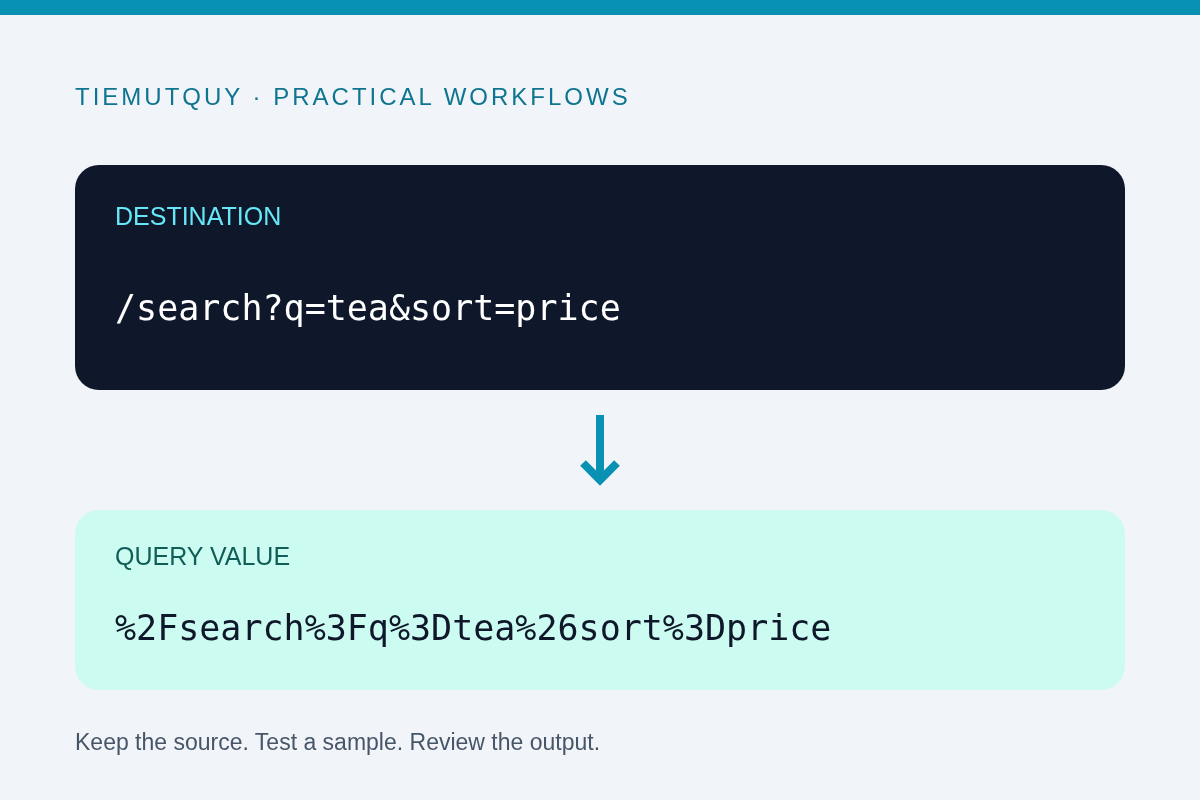
Identify the outer URL and the inner value
Suppose a preview page accepts a parameter called target. You want its value to be:
https://example.com/search?q=tea&sort=price#results
If you concatenate that value directly after ?target=, the outer URL can interpret &sort=price as a separate parameter. The fragment also needs to remain part of the inner destination rather than becoming the preview page's own fragment.
Encode the destination as one component, then add it to the outer structure. Keep the distinction visible in code and documentation: the outer URL is a container, and the destination is data inside that container.
Encode the value once
The site's encoder uses JavaScript's encodeURIComponent. This escapes characters needed to keep a value separate from surrounding URL syntax. See the MDN encodeURIComponent reference for its behavior.
For application code, a URL object is often clearer than manual concatenation:
const destination = 'https://example.com/search?q=tea&sort=price#results';
const preview = new URL('https://example.org/preview');
preview.searchParams.set('target', destination);
console.log(preview.searchParams.get('target') === destination); // true
URLSearchParams handles serialization of the parameter value. Give it the original destination, not a value you already ran through the encoder. Passing an already encoded string can encode the percent signs again.
Use the online encoder when you need to inspect a component or prepare a controlled test. It does not open the destination or validate that your application is allowed to navigate there.
Recognize double encoding
A space encoded as %20 can become %2520 if the percent sign is encoded again. Likewise, an encoded slash %2F can turn into %252F.
That pattern is a clue, not automatic proof of a bug. Multiple nesting layers may intentionally require multiple encoding steps. Write down the expected layers and decode one layer at a time using the URL Decoder.
Do not keep clicking decode until the result looks familiar. A literal percent sequence may be part of the intended data, and malformed escapes can cause decoding to fail. Work from the producer's contract rather than guessing.
Know what a plus sign means
In form-style query encoding, a plus sign can represent a space. A literal plus must be preserved appropriately. However, this site's component decoder uses decodeURIComponent, which does not automatically replace + with a space.
For example, decoding a+b here leaves the plus sign intact. If you are investigating a submitted form, use the form or query parser appropriate to that format. Do not globally change plus signs in an arbitrary URL or Base64 value.
Verify the round trip and the destination
Check that reading target from the serialized outer URL returns the exact original destination. Then test the real application path: copying, clicking, redirecting, and any intermediate tracking service can introduce another transformation.
If the destination is a redirect parameter, enforce an appropriate destination policy on the server. Encoding a URL does not make it trusted. This matters for preview services, login return addresses, and link wrappers.
For campaign parameters on a normal landing page, the UTM Builder is a better fit than manually encoding a complete campaign link. It builds named query parameters while preserving the surrounding URL structure.
Frequently asked questions
Should I encode the entire final URL?
Usually not when constructing an address for navigation. Encode values inside the structure or use a URL API to serialize them.
Why does decoding report an error?
A percent escape may be incomplete or invalid. Recover the original input and identify its encoding format instead of deleting random characters.
Is URL encoding encryption?
No. It is reversible representation. It does not protect passwords, private identifiers, or destination URLs from being read.