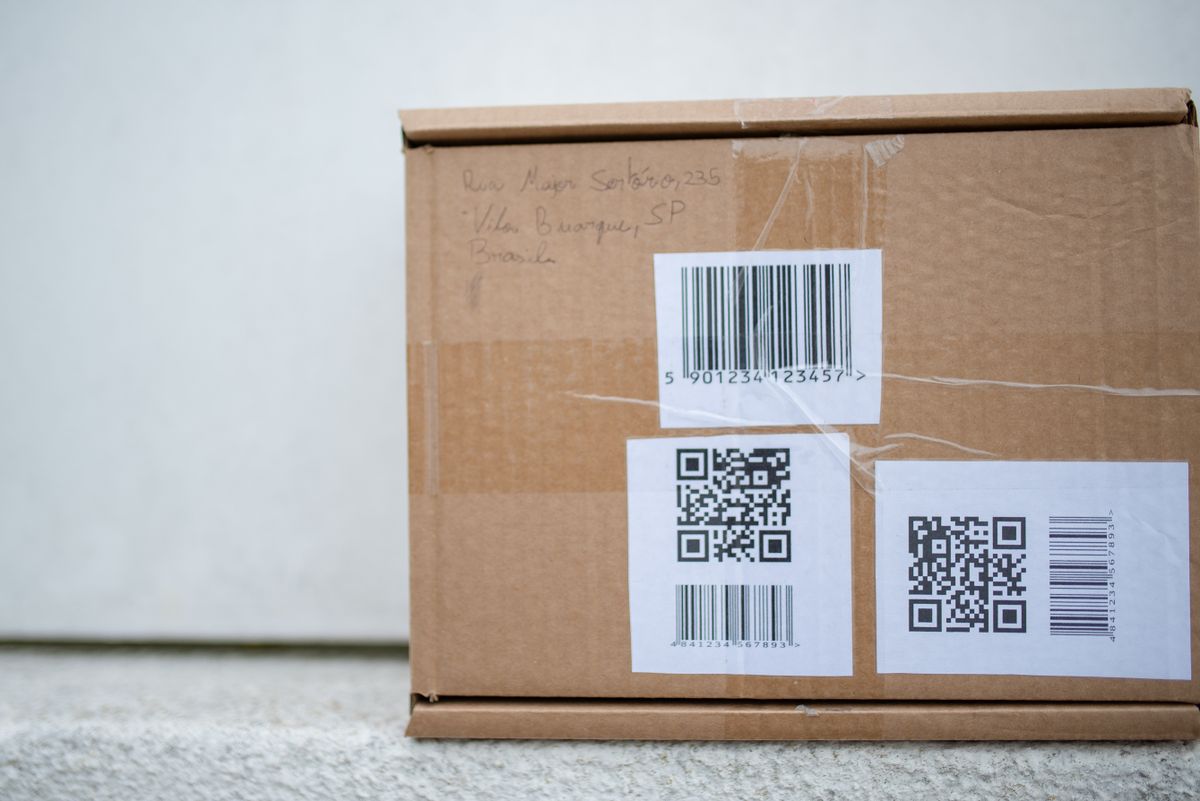
A barcode generator asks you to pick a format before it draws anything — and the list can look like alphabet soup. Pick the wrong one and a scanner, a retailer or a courier may reject it. Here's what each common type is for.

Two groups: retail and everything else
Retail barcodes (EAN and UPC) hold only digits and identify a product for sale. The numbers are assigned through GS1, the global standards body, so every product in every shop has a unique code.
General-purpose barcodes (Code 128, Code 39, ITF-14) are used inside businesses — for stock, shipping, asset tags and tickets — and you choose the content yourself.
EAN-13
The standard retail barcode almost everywhere outside North America. 13 digits: a GS1 prefix, your company number, the product number, and a final check digit that scanners use to catch misreads.
Use it for: products sold in shops, especially in Europe and Asia.
UPC-A
The North American retail barcode: 12 digits, also ending in a check digit. Modern scanners worldwide read both UPC-A and EAN-13, but US retailers traditionally expect UPC-A.
Use it for: products sold in the US and Canada.
EAN-8
A short 8-digit version of EAN for packages too small to fit a full EAN-13 — think lip balm or chewing gum. Issued by GS1 only when space genuinely requires it.
Code 128
The workhorse of logistics. It encodes any text — letters, digits and symbols — and packs data densely, so labels stay compact. Shipping labels, warehouse locations, order numbers and serial numbers commonly use it.
Use it for: internal labels, inventory, anything that isn't a retail product code.
Code 39
An older format that encodes uppercase letters, digits and a few symbols (- . $ / + % and space). It's wider than Code 128 for the same data, but many older systems, ID badges and industrial labels still expect it.
ITF-14
A 14-digit code printed on outer shipping cartons — the box that holds 24 units, not the unit itself. It's designed to print well on corrugated cardboard.
Which one do you need?
- Selling in shops: EAN-13 (or UPC-A for North America), with a number from GS1.
- Internal stock or asset labels: Code 128.
- A system that specifies Code 39: use Code 39.
- Outer cases for wholesale: ITF-14.
How to create a barcode
- Open the free Barcode Generator.
- Pick the format. The hint under the field tells you what it accepts — for EAN-13 you can enter 12 digits and let the check digit be calculated.
- Enter your value and check the preview.
- Download it as PNG or SVG. SVG stays sharp when printed at any size.
FAQ
Can I make up my own EAN-13 number? The generator will draw it, but retailers need a GS1-issued number to list your product.
Is a QR code a barcode? It's a 2D barcode. The formats above are 1D (linear) barcodes.
Try it now
Make any of these with the free Barcode Generator.
Related reading
See How to Create a Barcode for Your Product and Static vs Dynamic QR Codes.