A date near January 1970 often means your application interpreted seconds as milliseconds. A date thousands of years in the future can mean the reverse. Before changing time zones, check the unit stored in the source field.
Use the Timestamp Converter to inspect a known value. Its Unix input is explicitly labeled in seconds, and its results show both seconds and milliseconds so you can compare the representations.
Establish the unit from the contract
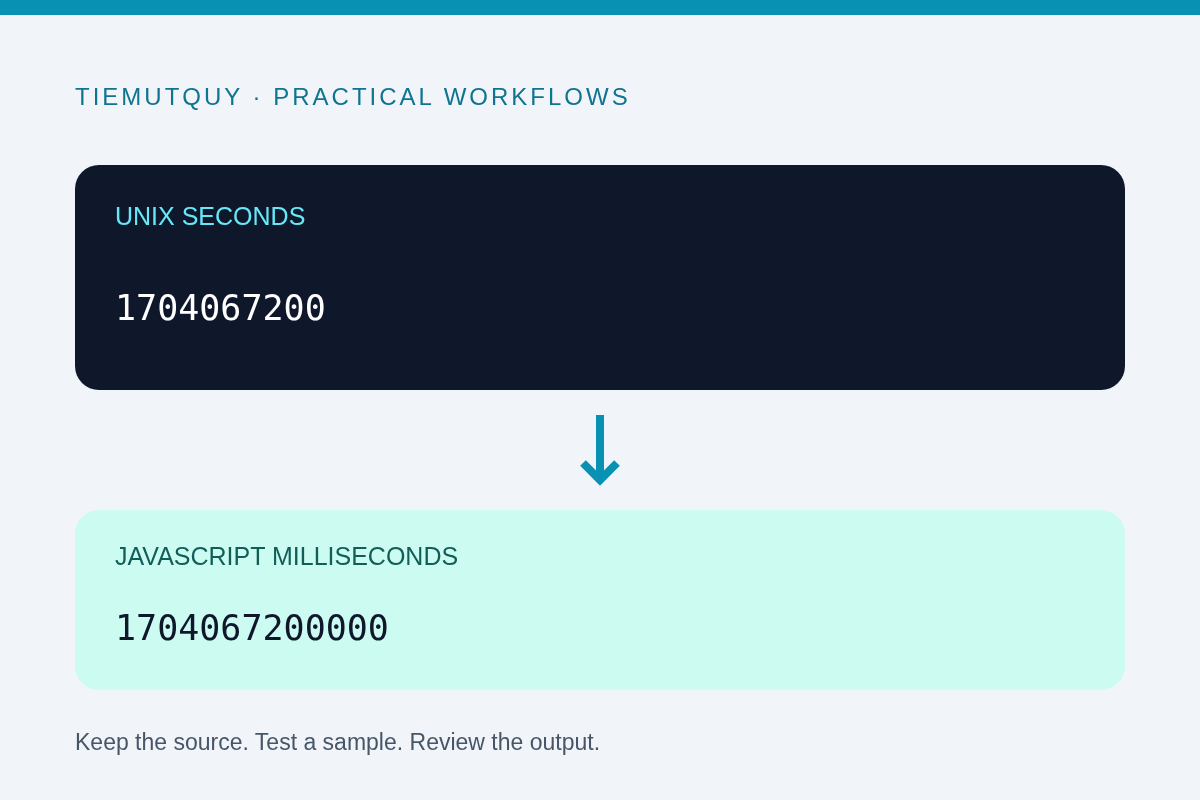
Unix timestamps are commonly exchanged as seconds since the epoch. JavaScript's numeric Date constructor uses milliseconds. Multiplying or dividing by 1,000 bridges those two representations when the source unit is known. The MDN Date reference documents the millisecond representation.
Modern timestamps often have about ten digits in seconds or thirteen in milliseconds. That is a useful clue, not a reliable validation rule. Historical dates, fractional seconds, and other units can defeat a digit-count heuristic.
Look for a documented field name such as created_at_seconds or an explicit schema description. A number named only time is ambiguous; clarify its meaning before converting an entire dataset.
Test one known instant
These two values refer to the same instant:
const seconds = 1704067200;
const milliseconds = 1704067200000;
console.log(new Date(seconds * 1000).toISOString());
// 2024-01-01T00:00:00.000Z
console.log(new Date(milliseconds).toISOString());
// 2024-01-01T00:00:00.000Z
Passing 1704067200 directly into new Date(...) treats it as milliseconds and produces a date in January 1970. Multiplying the millisecond value by 1,000 moves it far beyond the expected date. Neither result is fixed by selecting a different local time zone.
Choose a test event whose actual date you know, such as a documented deployment. A plausible-looking date by itself is weaker evidence than agreement with an independent event record.
Use the converter with the correct input
Paste the seconds value into the seconds field. If the source is milliseconds, divide it by 1,000 before entering it there. Do not paste a millisecond timestamp into that field and expect automatic unit detection.
Compare the ISO result and UTC result first. Then inspect the local-time display, which depends on the browser's time zone. Two people can see different local clock times for the same timestamp without either value being wrong.
For deliberate comparisons between named locations, use the Time Zone Converter. Unit conversion and time-zone display are separate tasks: one changes the numeric scale, while the other changes how the same instant is presented.
Preserve the precision your application needs
Converting milliseconds to whole seconds can discard the remainder. If the source records 1704067200123, its final three digits represent a millisecond component. Rounding or flooring that value may be acceptable for one system and wrong for another.
State the precision in your API contract. If a database stores microseconds or nanoseconds, do not squeeze the value into a millisecond workflow without considering range and precision. Long numeric timestamps can also encounter JavaScript's integer limits.
When exporting human-readable dates, include an unambiguous offset or a UTC marker. A date-time string without a zone can be interpreted differently from the numeric epoch value you started with.
Build a small regression checklist
Before updating a conversion pipeline, test a known UTC instant, an event with a nonzero millisecond remainder, and a date near a local day boundary. Confirm both the numeric value and the expected display.
Keep the raw source alongside the converted result while investigating. Repeated conversions can hide which step introduced the factor-of-1,000 mistake. Use field names that carry the unit so the next reader does not have to infer it again.
Frequently asked questions
Is a timestamp near 1970 always a unit mistake?
No. Zero, missing values converted to zero, and genuinely historical data can also produce early dates. Check the original value and its schema.
Does UTC use different epoch seconds from local time?
No. The timestamp identifies an instant. The clock representation changes with the chosen time zone.
Can I fix this by adding my UTC offset?
Not if the problem is the unit. Correct seconds versus milliseconds first, then verify how the date is displayed.