A value copied from an API works in one decoder but fails in another. Before changing random characters, check which encoding the API actually uses. Standard Base64 and Base64URL look similar, but their alphabets differ. A missing equals sign can be intentional; a truncated value is a different problem.
Use the Base64 Decoder for standard Base64 text. If your input comes from a URL or token, follow the checks below before decoding it.
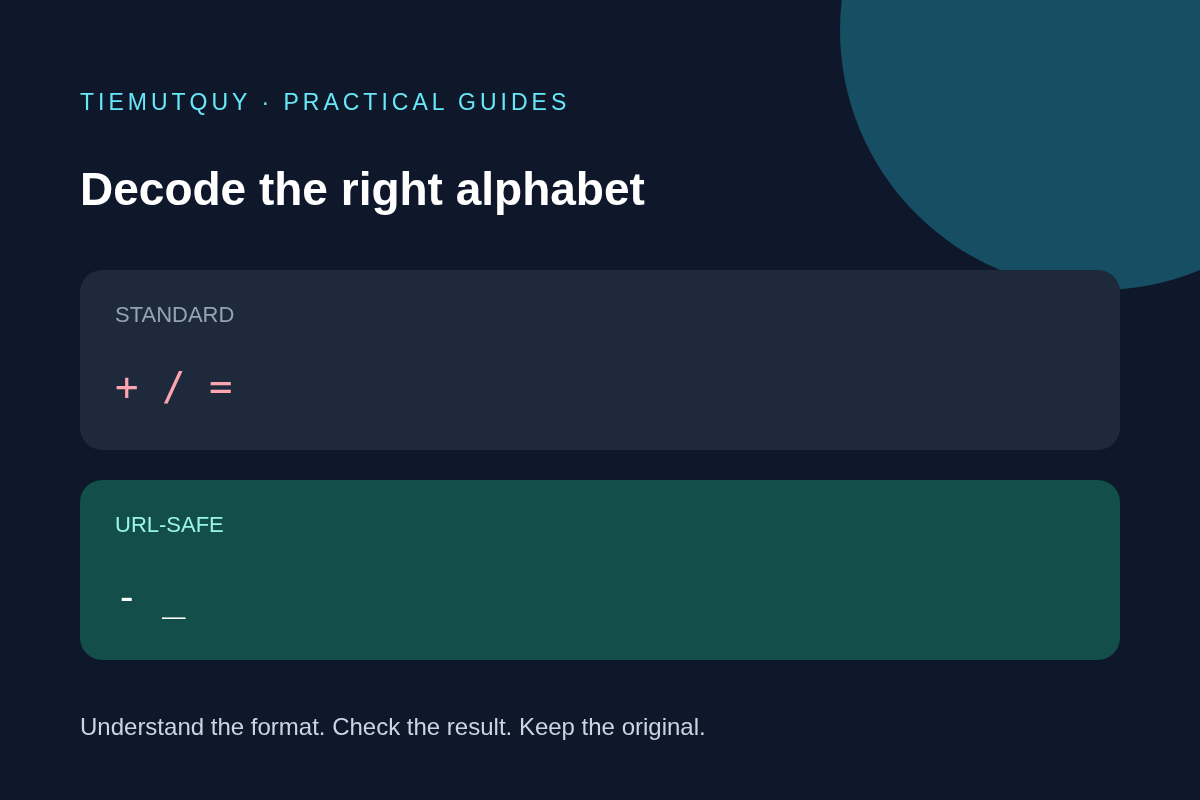
Identify the alphabet first
Standard Base64 uses letters, digits, +, and /. Base64URL replaces the last two characters with - and _. Some protocols omit trailing = padding when the data length can be determined another way. These distinctions are defined in RFC 4648, sections 4 and 5.
For an ordinary text example, Hello becomes SGVsbG8= in standard Base64. The unpadded form is SGVsbG8. Because this example contains neither of the differing characters, you cannot identify the alphabet from appearance alone. Check the producer's documentation.
Do not confuse URL percent encoding with Base64URL. A value containing %2B has passed through another encoding layer. Decode that layer only if the surrounding format requires it. Repeatedly decoding arbitrary input can change the intended data.
Normalize a known Base64URL value
For a value you already know is Base64URL, replace the alphabet characters and restore padding before using a standard decoder. This helper accepts the unpadded form and rejects impossible lengths:
function toStandardBase64(value) {
  if (!/^[A-Za-z0-9_-]*$/.test(value)) {
    throw new Error('Expected unpadded Base64URL');
  }
  if (value.length % 4 === 1) {
    throw new Error('Invalid Base64URL length');
  }
  const standard = value.replace(/-/g, '+').replace(/_/g, '/');
  return standard + '='.repeat((4 - standard.length % 4) % 4);
}

toStandardBase64('SGVsbG8'); // 'SGVsbG8='
This helper is deliberately limited: it rejects already padded input and does not verify the canonical unused bits of the final character. Use a protocol-aware library when strict validation matters. Adding padding does not repair missing data or prove that a token is authentic.
The website's decoder uses the browser's standard Base64 decoder. It does not automatically normalize the Base64URL alphabet. Convert a known Base64URL value first rather than expecting a JWT or arbitrary URL to work as pasted.
Separate decoded bytes from readable text
Successful Base64 decoding produces bytes. Those bytes might represent UTF-8 text, a compressed file, an image, or encrypted data. Strange characters in a text decoder do not necessarily mean the Base64 was invalid.
For a controlled check, enter Hello into the Base64 Encoder, copy the result, and decode it again. The text should round-trip. Repeat with a short non-English phrase if you are checking Unicode handling. The tools convert text through UTF-8 bytes so accented characters and emoji can be encoded.
A text decoder is not a binary file recovery tool. If an API says the payload is a PDF or ZIP, use an appropriate byte-to-file workflow instead of copying garbled text into a document.
Diagnose common failures in order
- Copy only the value, without surrounding quotes, a field name, or an entire data URL.
- Identify standard Base64 versus Base64URL from the producing format.
- Check whether a form or query parser changed
+into a space. Recover the original value from its source rather than guessing. - Verify that the value is complete. An impossible unpadded length is evidence of a problem, not a request for more equals signs.
- Confirm that the decoded bytes are actually expected to be text.
Keep credentials out of examples and screenshots. Base64 is reversible encoding, so it does not hide passwords or make an API key safe to share.
Frequently asked questions
Can I decode an entire JWT as one Base64 string?
No. A JWT uses separate dot-delimited components. Use the JWT Decoder to inspect a supported token structure. Reading a payload does not verify its signature or authorize its claims.
Should I remove every equals sign?
No. Padding belongs at the end when the format uses it. Follow the receiving protocol instead of deleting characters until an error disappears.
Why does decoding succeed but show replacement characters?
The decoded bytes may not be valid UTF-8 text. Check the original content type and preserve the bytes if you need the actual file.